
Getting Started

From MCS IT Wiki

Jump to: navigation, search

Introduction

Welcome to the Mathematics and Computer Science Division. We hope you will have a pleasant and productive visit. This document will give you a quick introduction to the computing resources available in the division, login instructions, and ways to find more information. In an effort to conserve trees and energy, other documents containing more details about our computing environment have been placed online.

Computing Resources

Full Disclosure, The MCS SC5832
Enlarge
Full Disclosure, The MCS SC5832

The MCS Division has three sets of general computing resources:

  • A network of workstations (mostly Linux machines), which are the day-to-day desktop computing resources used for editing, electronic mail, text processing, symbolic math programs, and so on. We recommend you use the machine named login.mcs.anl.gov (Linux) for general purpose logins, especially when connecting offsite. The machines that hostname points to (terra, shakey, harley) are designed for interactive use. High CPU activities should not be run on these machines, instead see your sponsor/host/supervisor for better alternatives. If all else fails, use any of schwinn, crunch, smash, elephant, triumph, octagon, octopus. All of the preceding hostnames are in the mcs.anl.gov domain.
  • Jazz, The Laboratory Computing Resource Center cluster, a 350-node computing cluster for the use of the entire ANL research community.
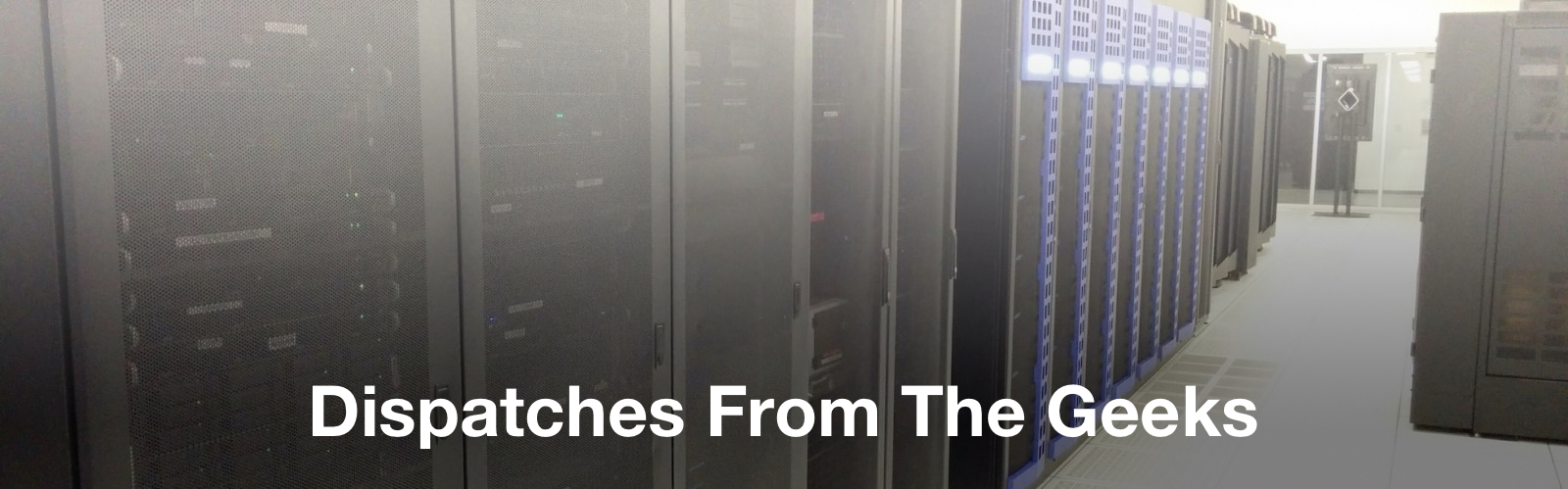
  • Full Disclosure, The SiCortex SC5832 is a specialized compute system for use by MCS researchers.

Getting Started

You should have received a packet that contains your login name and password. Please read it thoroughly before attempting to login. If you did not get this information, please contact the MCS Help Desk.

Logging In to UNIX Workstations

If you are using a Linux workstation, X-Windows should already be running. If there is a login window on the display, enter your Workstation login name and password in the spaces provided. (If there is just a login: prompt, please check with Systems about the configuration of that machine.)

You can also log in from off-site over the net or from a dialup account via modem, as described in the information you received along with your login name and password. Please see the Offsite Access FAQ at http://www.mcs.anl.gov/faq for a list of machines that are accessible outside our firewall.

Use your Personal Account Page to change your password. Please make your password eight characters long, and include at least one capital latter, number and special character in it. Make it something you'll remember, but not any name or any word that would be found in a dictionary. There are more rules than this for a good password; please see the Password Guidelines at http://www.mcs.anl.gov/faq for more information.

The login names and passwords are valid for sets of machines or individual machines, depending on how the account was set up. Please check with your sponsor if you find you don't have access to a machine you think you need.

Receiving Email

By default, your email may be forwarded to the address provided to Systems on your account request form. To remove this forwarding, remove the file /mcs/mail/config/[username]/.forward.

Getting Help

There are several ways to obtain help:

  • You can access web-based information about MCS projects, commonly-used utilities, and MCS-developed software at http://www.mcs.anl.gov. All MCS supported systems have Firefox installed, and it is the recommended browser of the MCS Systems Group.
  • Information about various aspects of computing at MCS can be found by following the "About" and "Hardware & Software" links from the MCS home page, or go to the address http://www.mcs.anl.gov/.
  • Contact your sponsor as to which machine(s) you are expected to use. If you have problems, ask your sponsor for help first. The Systems Group is also available to assist you, though the expectation is that your sponsor or others you are working with should be able to assist you first.
  • If you have a question or problem that your sponsor can't help you with, please send email to systems@mcs.anl.gov.

If you have a problem that prevents you from sending email to Systems, you can reach the Help Desk at 2-6813 or by coming to room 221-B256. Help Desk hours are Monday through Friday, 8:30 AM - 11:30 AM and 12:30 PM - 5:00 PM.

Important Note

This is an online document. If you are reading a printed version of this, please visit http://www.mcs.anl.gov/faq/Getting_Started for the most recent version. Please report inaccuracies to Systems.

Personal tools